
Digital marketing

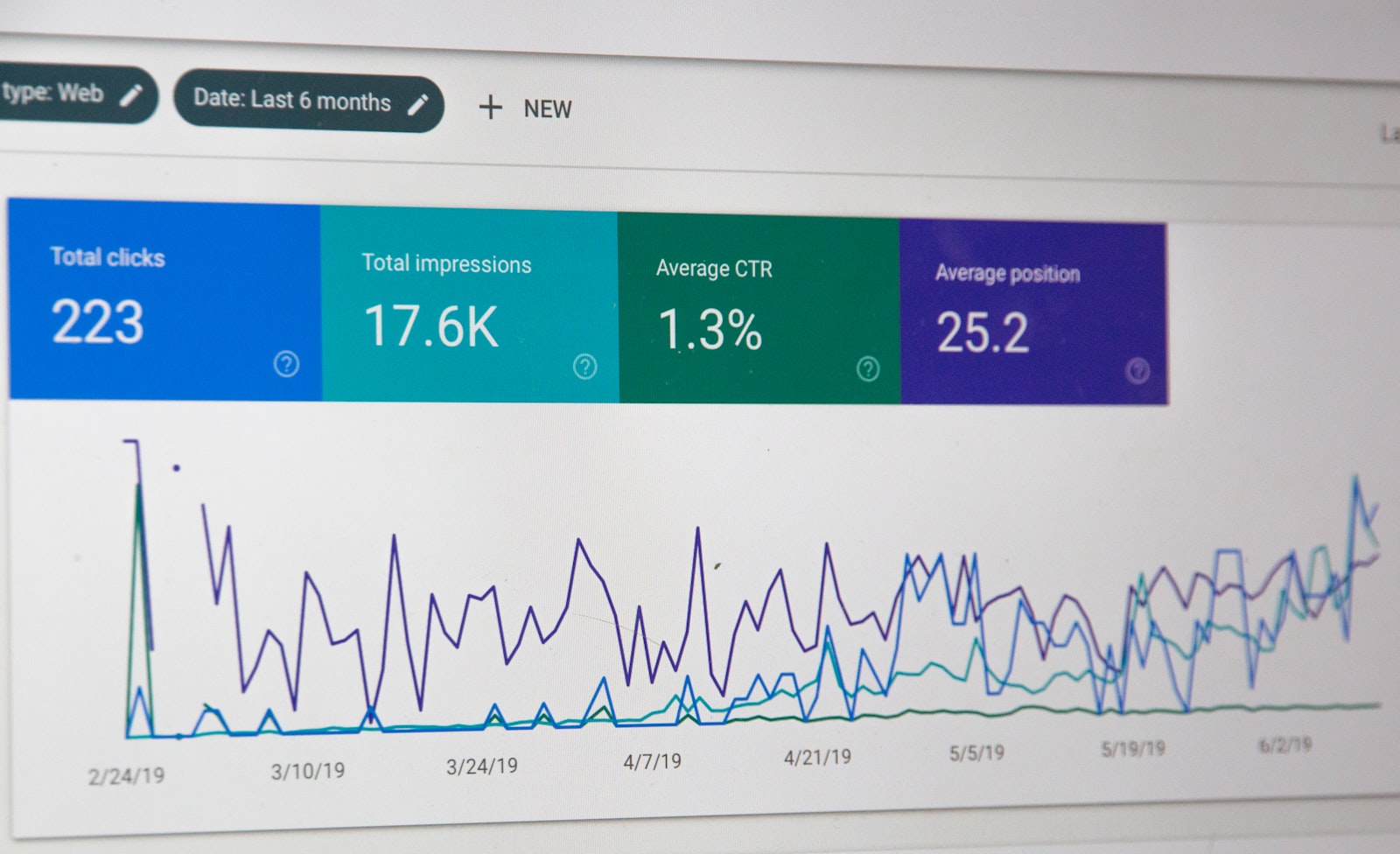
If you pay for advertising but measure nothing, you are making decisions with your eyes shut. Google Analytics 4 (GA4) is a free tool that shows what happens on your site — when it is installed correctly.
Let us go through what the setup actually involves, what you get out of it and how long it realistically takes.
In brief
- GA4 is Google’s free analytics tool, the replacement for Universal Analytics.
- The basic install takes 2–4 hours. Proper conversion tracking takes 1–2 days.
- Without GA4 you cannot optimise Google Ads, Meta or SEO.
- The most common mistake is installing GA4 but leaving conversions untracked.
- Google Tag Manager (GTM) is the best way to manage GA4 and other tags.
What is GA4 for?
In practice it answers questions like:
- Where do your visitors come from (Google, Meta, LinkedIn, direct)?
- Which page do they leave from?
- How many convert (form, purchase, call)?
- Which channel produces conversions best?
- How do mobile users behave compared with desktop?
- Is the new campaign working or is money being wasted?
Without those answers, advertising is guesswork.
Setting it up: what to do

1. Create a GA4 account and property
Go to analytics.google.com, create an account and one property per site. A property corresponds in practice to one website.
2. Install Google Tag Manager
Do not install the GA4 tag straight into the page code. Use Google Tag Manager. GTM lets you add every measurement script from one place: GA4, Meta Pixel, LinkedIn Insight Tag, Google Ads conversion tag and so on.
3. Configure GA4 through GTM
In GTM you create a new tag, choose “Google Analytics: GA4 Configuration” and paste in GA4’s Measurement ID. Publish the container and basic GA4 is running.
4. Define the conversions
This is the most important step and often gets forgotten. A conversion is not “a visitor”: it is a meaningful action — a form submitted, a phone number clicked, a product bought, a guide downloaded.
Every conversion has to be:
- Defined as an event in GTM
- Marked as a conversion in GA4
- Reported to Google Ads by importing the conversion
5. Test with the real-time report
Before you head off, make a test visit to your own site and check in the real-time report that every event registers. If an event does not show there, it will not show in Google Ads either.
What is worth measuring?
It depends on your business. The basics for everyone:
- Form submission: contact form, quote request, newsletter signup
- Phone click — a mobile visitor tapping the phone number
- Email click: a mailto link
- Document download: a PDF guide or price list
- Video play — how many watched the ad video to the end
- Progress through the conversion path — stage-by-stage measurement
In ecommerce, additionally: product page views, add to cart, checkout, purchase, and tracking the product price.
The most common GA4 mistakes
1. Conversions marked wrongly
“Page view” is not a conversion. A conversion is something that produces business value. If you mark everything as a conversion, nothing means anything any more.
2. Internal traffic not filtered
If your own team browses the site twenty times a day, all of it counts as “visitors”. Configure an IP filter so your own traffic stays out.
3. Not linked to Google Ads
GA4 and Google Ads have to be linked, or the campaigns get no conversion data. It is a 30-second operation in the Google Ads settings.
4. UTM parameters not used
When you share links in a newsletter, LinkedIn posts or anywhere else manual, use UTM parameters (utm_source, utm_medium, utm_campaign). Otherwise the traffic shows in GA4 as “direct” and you do not know where it really came from.
Server-side tracking: why and when?
iOS 14+, ad blockers and cookie rejection have made the traditional JavaScript tag unreliable. 20–40 % of conversions go unmeasured.
Server-side tracking (a GTM server container, for instance) sends the data from your own server. This recovers most of the lost data. Recommended for anyone with a media budget over €1,500/month.
Frequently asked questions
Is GA4 GDPR-compatible?
It is, but it requires the right configuration. Use IP anonymisation, retain data for no more than 14 months and use cookie consent (CookieYes or Cookiebot, for instance). The data region is worth setting to the EU.
What is GA4 not enough for?
User-level micro-analysis (heatmaps, session recordings). For that you need Hotjar or Mouseflow alongside it.
Why do conversion numbers differ between Google Ads and GA4?
The attribution models differ. Google Ads counts on a last-click model, GA4 by default on data-driven. Neither is “correct”; they describe the same thing from different angles.
Who owns the GA4 account?
You do. Always. If an agency sets GA4 up in their own account, insist it is transferred to you. You paid for it.
Worth a look too
Read these related articles and service pages too:
External sources:
We can help with the GA4 setup
Book a free 30-minute assessment. We look at your current measurement and what is missing, and set up GA4, GTM and conversion tracking properly if needed.
Related articles

Digital marketing
Black Friday campaigns for small businesses: win the season without burning out
Black Friday is the best shopping moment of the year, but also the time when margins disappear. How does a small business benefit from…
2 min

Digital marketing
Outsourcing digital marketing: what it costs and when it pays off
Outsourcing digital marketing pays off when there is more to do than there is time or skill for, and when the value of one…
8 min

Digital marketing
Marketing measurement: four numbers that tell the truth
Marketing measurement usually falls down on the same thing: people track numbers that look good in a report but say nothing about the business.…
7 min
Get in touch
Shall we take the first step together?
Tell us briefly where you stand. We reply the same working day, usually within a couple of hours.
- A free 30-minute call, no strings attached
- You get a concrete view of where you stand
- We say plainly if we are not the right fit
- Phone+358 50 469 0039
- Emailmisa@purodigital.fi