
Search engine optimisation
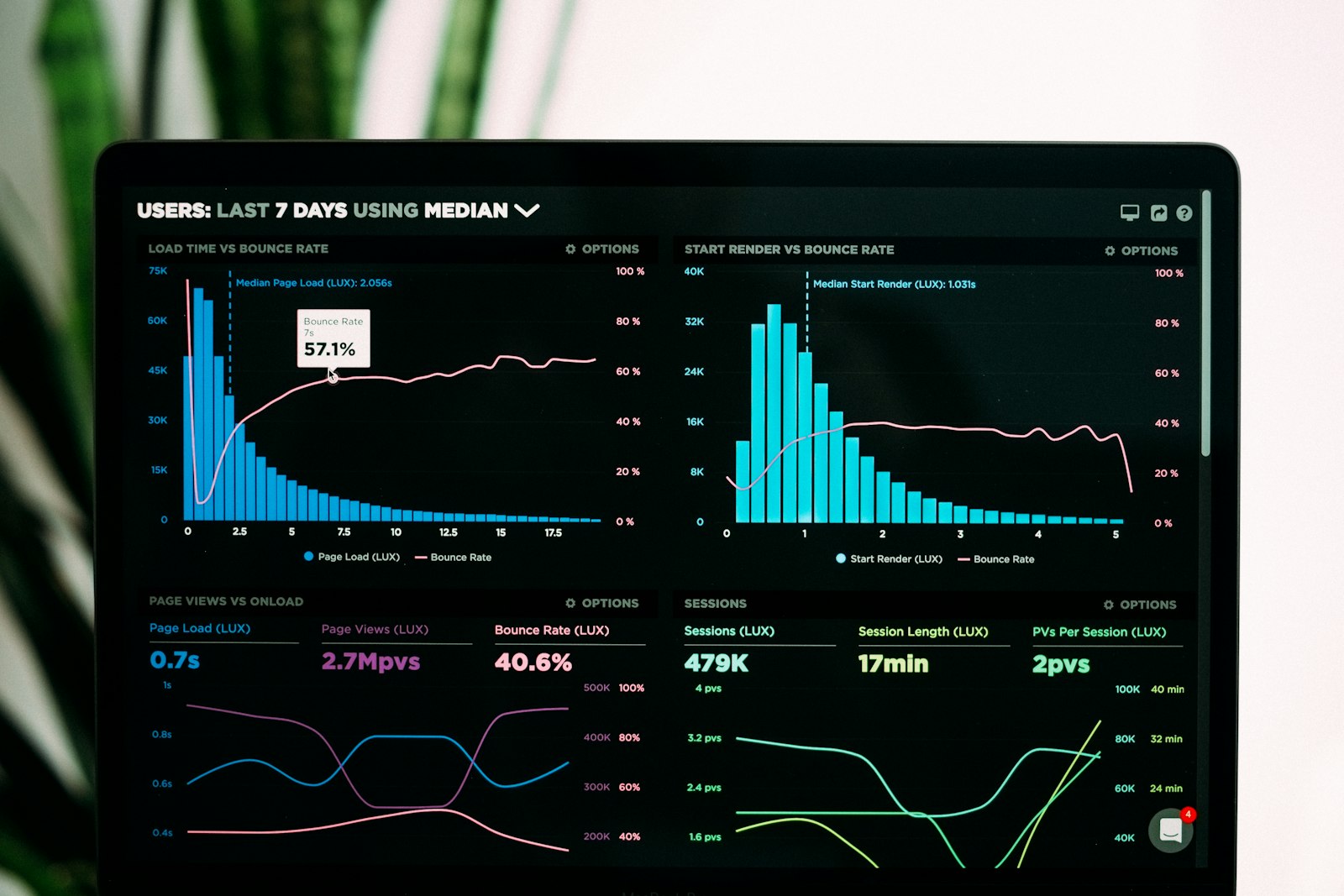
Google Search Console is Google’s free tool for seeing how your site appears in Google. It is an SEO necessity — and in practice the only free way to get information about what is really happening.
Quick summary
- GSC is free and compulsory for every site.
- Setting it up takes 15–30 minutes.
- You see: search terms, indexing, technical errors, enhancement status.
- Check the report weekly to follow SEO work.
Setting it up
- Go to search.google.com/search-console
- Add a property (domain or URL prefix)
- Verify ownership with a DNS record, an HTML file or a Google Analytics connection
- Wait 24 hours for data to start accumulating
- Submit sitemap.xml
The most important reports

- Performance: search terms, clicks, impressions, average position
- Coverage: indexing status
- Core Web Vitals — speed health
- Mobile Usability: the mobile experience
- Enhancements: the state of your schema markup
- Links — internal and external links
The search terms report: how to use it
The performance report shows which search terms brought people to your site. Use it to:
- Find new SEO opportunities (terms you appear for but are not first on)
- Identify content gaps
- See which pages bring the most traffic
- Spot ranking drops before they cause damage
The most common mistakes

- Not installing it at all
- Forgetting to submit the sitemap
- Not checking the coverage report — indexing errors go unnoticed
- Not linking to Google Ads (there is a search terms report on the advertising side)
Frequently asked questions
Why is Search Console showing no data?
You have to wait 24–48 hours after starting. If there is still nothing, check whether the site is genuinely in the index.
Search Console versus GA4?
GA4 shows what happens on the site; GSC shows where in Google the visitors come from. Both are compulsory.
How often should you look at GSC?
15 minutes weekly is enough. 30 minutes a month for deeper analysis.
Further reading
Read these related articles and service pages too:
External sources:
Happy to help
Book a free 30-minute assessment. We work out what your business should do next.
Related articles

Search engine optimisation
Google Business Profile: how to reach the map top three
Google Business Profile (formerly Google My Business) is a free company profile that appears in Google search and in Maps. For a local business…
8 min

Search engine optimisation
Google reviews: how to ask so that you actually get them
Google reviews are a small business’s most visible trust signal: they show on the map, in search results and increasingly in the recommendations AI…
8 min

Search engine optimisation
Internal linking lifts rankings faster than a new article
Internal linking means linking your own site’s pages to each other. It is the most underrated SEO tactic there is: entirely within your control,…
8 min
Get in touch
Shall we take the first step together?
Tell us briefly where you stand. We reply the same working day, usually within a couple of hours.
- A free 30-minute call, no strings attached
- You get a concrete view of where you stand
- We say plainly if we are not the right fit
- Phone+358 50 469 0039
- Emailmisa@purodigital.fi