
Websites
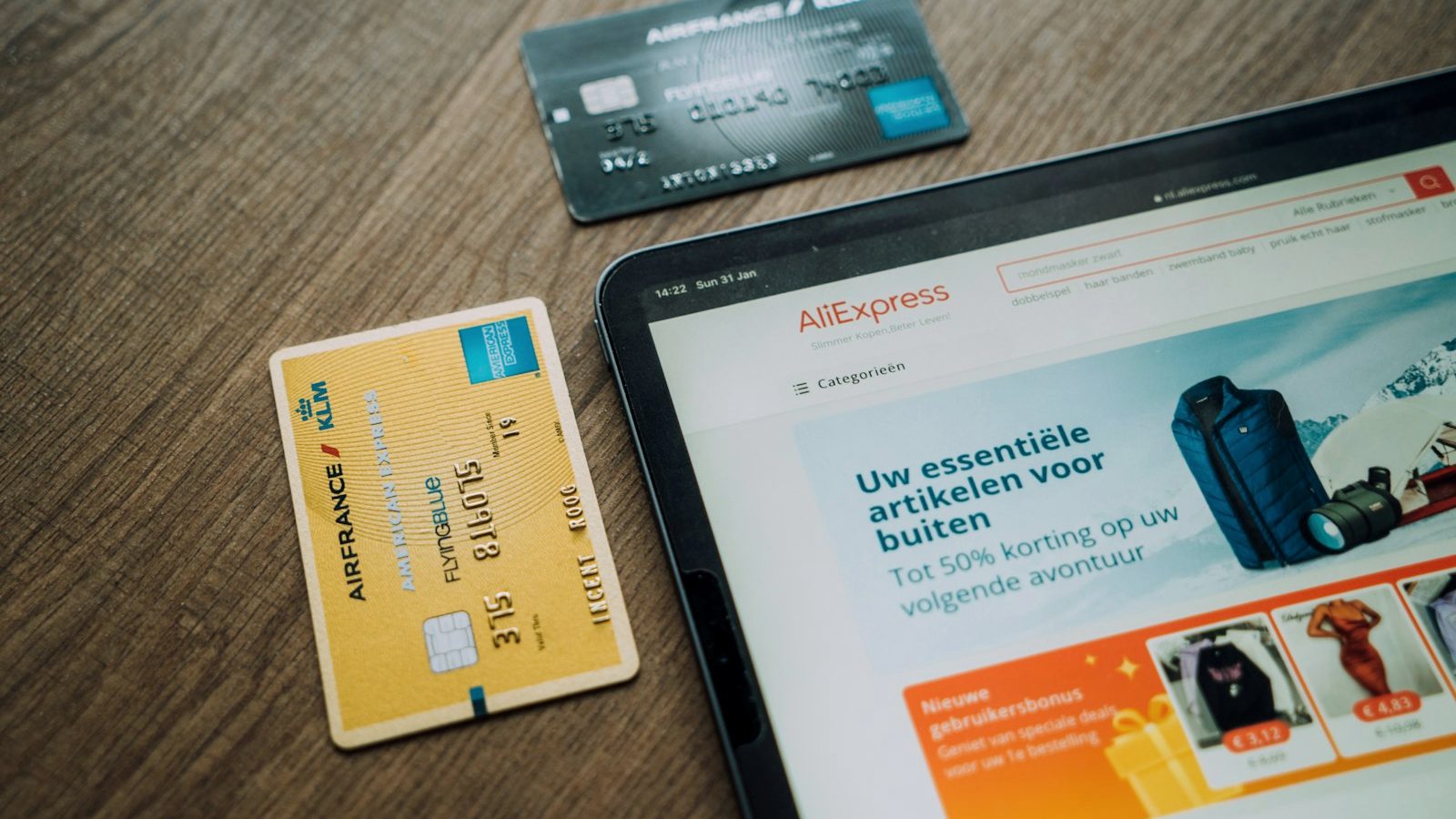
Starting an online store is technically easier than ever: a shop can be up in days for a few hundred euros. The hard part is not opening the shop but making it profitable, and that is where the majority of new stores fall over.
This guide goes through starting an online store in practical order: sanity-checking the business idea, choosing the platform, the legal obligations, the costs and the most important part — where the customers come from.

Before the technical choices: three questions
Why would anyone buy from you specifically? The same product is probably available from Amazon, Zalando or a large domestic retailer at a lower price with faster delivery. The answer that works is specialisation: a narrow range the big players do not serve properly, your own product, expertise, or the service experience.
Are the margins enough? Work out the real margin on one order: sale price minus the cost of the product, the payment processing fee, delivery, packaging and the share of returns. If the margin left is under twenty euros per order, you cannot count on paid advertising, because acquiring one customer easily costs that much.
Where will the first customers come from? “I open the shop and customers find it” is not a plan. A realistic answer is one of these: an existing audience (social media, an email list, a physical shop), paid advertising, or patient search visibility. Preferably several.
Choosing the platform: three realistic options
| Platform | Best suited to | Cost |
|---|---|---|
| Shopify | A fast start, international selling, no technical skill | from approx. €30–40/month + commissions |
| WooCommerce (WordPress) | Full ownership, content-driven selling, flexibility | hosting + build, no commissions |
| A local platform | A domestic option with support in your own language | from approx. €50/month |
The rule of thumb: if you want to be up quickly and you sell straightforward products, Shopify. If content and search visibility are the core of your strategy or you want full control without monthly commissions, WooCommerce. We compare platforms in more detail on our website service page.
Get the legal side in order immediately
- Business ID and VAT registration. An online store is business activity. You have to register for VAT by the time the turnover threshold is crossed at the latest, and in practice right away if the activity is serious.
- Consumer protection. Consumers have a 14-day right of withdrawal in distance selling. Return terms, delivery times and prices have to be stated clearly before purchase.
- Data protection. A privacy policy, proper cookie consent and handling of the customer register in line with GDPR.
- Terms on display. Delivery and return terms, contact details and company information findable from every page. These are also trust factors that affect the buying decision.
Payment methods and delivery
Buyers expect certain things. In payment methods the minimum is online bank payments, cards and the mobile payment apps people actually use; an invoice and instalment option (Klarna, for instance) raises the average order but costs in commissions. Paytrail, Stripe or Klarna work as payment processors, and the commissions should be built into the margins from the start.
In delivery, pickup points are the default expectation. State the delivery time on the product page and stick to it. Free delivery above a certain order value is an effective way to raise the average order, as long as the threshold is calculated from the margin.
Where customers come from: channels in order of importance
1. Google Shopping and search advertising
Purchase-intent searches (“product X price”, “buy product X”) are an online store’s most valuable traffic. Google Ads and Shopping ads bring it immediately, and getting the product feed in order is worth doing carefully first.
2. Search engine optimisation and content
SEO on category and product pages, plus buying guides (“the best X in 2026”, “how to choose an X”), builds free traffic on a timescale of months. Content also decides visibility in AI search, where a growing share of buying decisions already begins.
3. Meta advertising and social
Facebook and Instagram advertising works especially for visual products and for reaching new customers. Retargeting, chasing people who abandoned their cart, is one of the most profitable ad formats in ecommerce.
4. The email list
The only channel you own yourself. Collect subscribers from the start (a discount on the first order, for instance) and build at least a welcome sequence and an abandoned cart message. Returning customers are the foundation of an online store’s profitability.
Planning an online store?
Let us go through your products, your margins and your channels before a single euro goes on the wrong choices.
What starting an online store costs
A realistic budget for the first year has three parts: the platform and technology (a few hundred euros a year on Shopify plus a possible theme; on WooCommerce a build typically €3,000–10,000 or your own work), content meaning product photos and copy (usually the most underestimated part) and marketing. It is worth setting aside at least as much for marketing as for the technology; a shop without visitors is a warehouse with a website.

Product pages decide conversion
An online store’s product page is a salesperson who cannot answer questions. So it has to answer them in advance. A product page that works has five things: several photos from different angles and in use, sufficiently precise details (dimensions, material, compatibility), a clear price and delivery time, reviews, and answers to the most common questions.
The most common mistake is copying the product description from the manufacturer as is. Your page is then identical to ten other shops’, and the search engine has no reason to lift you in particular. Write your own description, saying who the product suits and who it does not.
From cart to payment: where sales are lost
A large share of carts go unpaid, and the reasons are usually the same: surprise delivery costs, a compulsory account, a form that is too long or an unclear returns policy.
The fixes are straightforward. Show delivery costs in the cart, not on the final page. Allow ordering without a user account. Ask only for the essential details. State the return terms in the cart, not only in a footer link.
Once those are done, turn on an abandoned cart reminder by email. It is one of the most profitable single automations in ecommerce.
A realistic first year
A new online store rarely turns a profit in the first months. The realistic arc is roughly this: the first months go on building the foundation and on the first orders, from which you learn what customers ask and where the process snags.
During months 3–6 it becomes clear which channels produce and which products sell. This is the phase where many give up too early and many scale too early. Neither is good.
At the one-year mark you should know your customer acquisition cost, your average order value and the share of returning customers. Only with those numbers can you make well-founded decisions about where to invest more.
Summary: the order of work for the first weeks
If you are starting out, do things in this order. First calculate the margins and make sure the margin on one order can withstand the cost of acquiring the customer. Then choose the platform according to whether you weight ease or control.
Build the shop so that the ten most important products are properly described and properly photographed before you add the whole range. Get payment methods, delivery terms and the legally required information in order before opening.
Launch marketing on the same day the shop opens, not months later. A shop without visitors tells you nothing about whether the business idea works.
Frequently asked questions
What does starting an online store cost?
You can get the technology up for a few hundred euros a year (Shopify) or a few thousand euros for a build (WooCommerce done by an agency). The real budget is settled by marketing and content: a working whole for the first year is typically a few thousand euros.
What is the best ecommerce platform for a beginner?
Shopify is the fastest and easiest for most beginners. WooCommerce suits you when you want full ownership and a content-driven strategy. A domestic platform is worth considering if support in your own language matters.
Do I need a business ID for an online store?
In practice yes. An online store is business activity, and payment processors generally require a business ID. VAT liability also arrives by the time the turnover threshold is crossed at the latest.
How long does starting an online store take?
The technical setup works in days or weeks. The whole thing with product photos, copy, payment and delivery integrations and a marketing launch realistically takes 1–3 months.
How do I get customers to an online store?
Fastest with Google Shopping and search advertising on purchase-intent searches, and with Meta advertising. Over the long term with search engine optimisation and content. The email list is worth starting immediately, because returning customers decide profitability.
Related articles

Websites
Visitors but no enquiries: a guide to conversion optimisation
Conversion optimisation means improving a site so that a larger share of visitors take the desired action: get in touch, buy or book. It…
8 min

Websites
Website redesign: when it is worth it and what it really costs
A website redesign is worth doing when the current site does not produce enquiries, looks dated on a phone, or is so awkward to…
8 min

Websites
Website accessibility: does the requirement apply to you and what does it demand
Website accessibility means a site can be used even when sight, hearing, motor skills or concentration are limited. For the public sector it is…
8 min
Get in touch
Shall we take the first step together?
Tell us briefly where you stand. We reply the same working day, usually within a couple of hours.
- A free 30-minute call, no strings attached
- You get a concrete view of where you stand
- We say plainly if we are not the right fit
- Phone+358 50 469 0039
- Emailmisa@purodigital.fi